
Search Tips to Find a Property on LansingMIPay
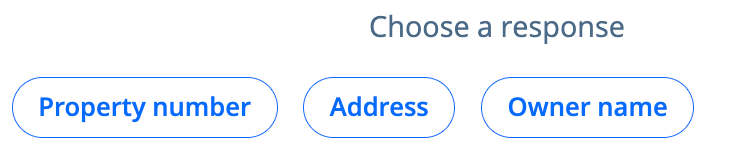
When you click Connect Propertyon the dashboard, you will have three ways of searching for your property.
-
Property number: Enter the parcel number exactly as it appears on your bill.
-
Address: Enter the address of the property
-
- For directional streets, leave the direction (North, South, East, West) out of the street name
- Do not include words or abbreviations like Drive, Court, Pl, St, etc. in the street name
- Owner Name: Enter the owner's name exactly as it appears on your bill
See Add a Property on LansingMIPay for more information.