
Unenroll from AutoPay on LansingMIPay
No longer want to have your CART bills paid automatically on LansingMIPay? No problem! Follow the steps below to cancel AutoPay:
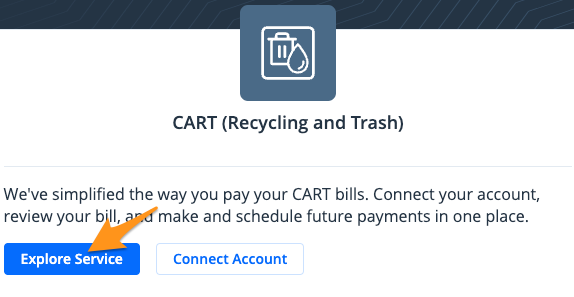
- Sign in to your LansingMIPay profile and select Explore Service under "CART (Recycling and Trash)"
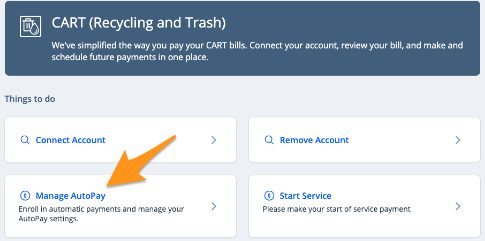
- Select Manage AutoPay
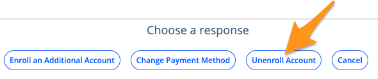
- Select Unenroll Account
- Click Submit

Note: If you have multiple accounts enrolled, you will first be prompted to select the account you wish to unenroll and then click Submit.
Your account is now unenrolled and manual payments will need to be made going forward.